
Shotfile
Work photos, already filed and named
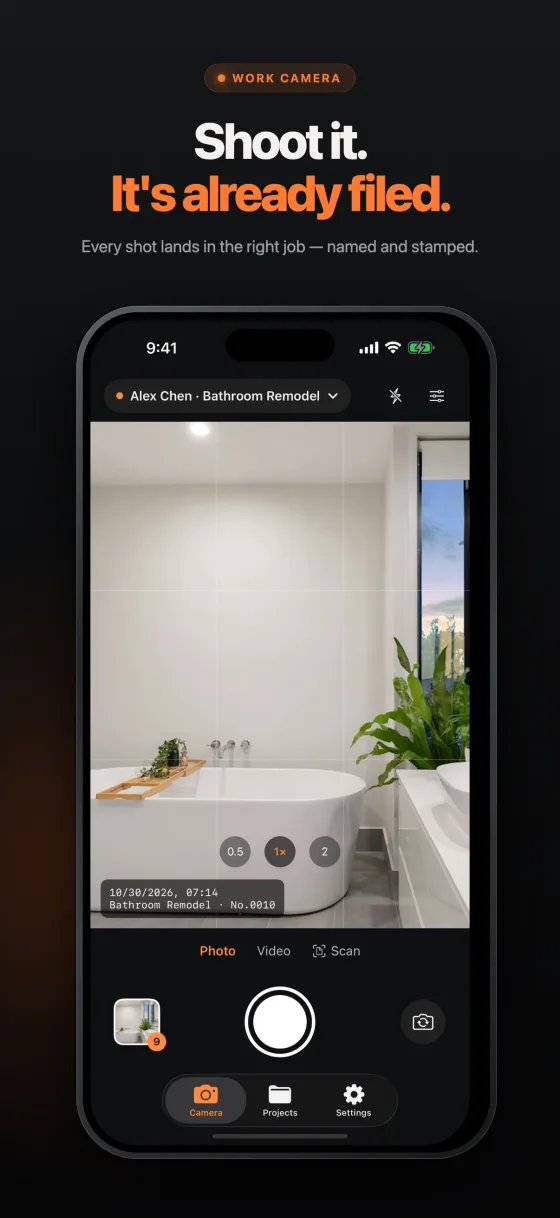
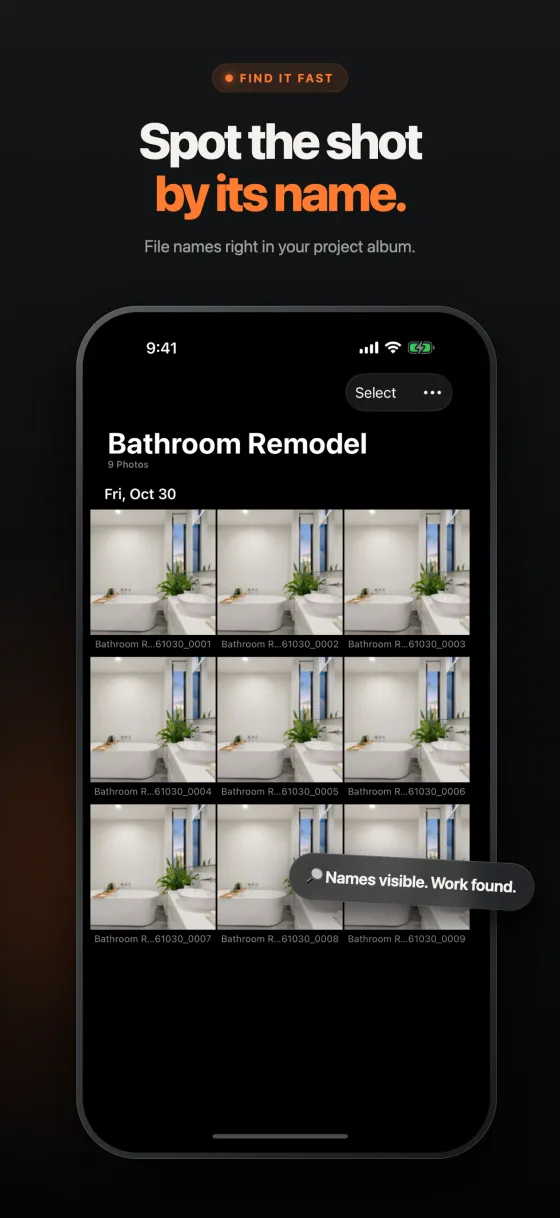
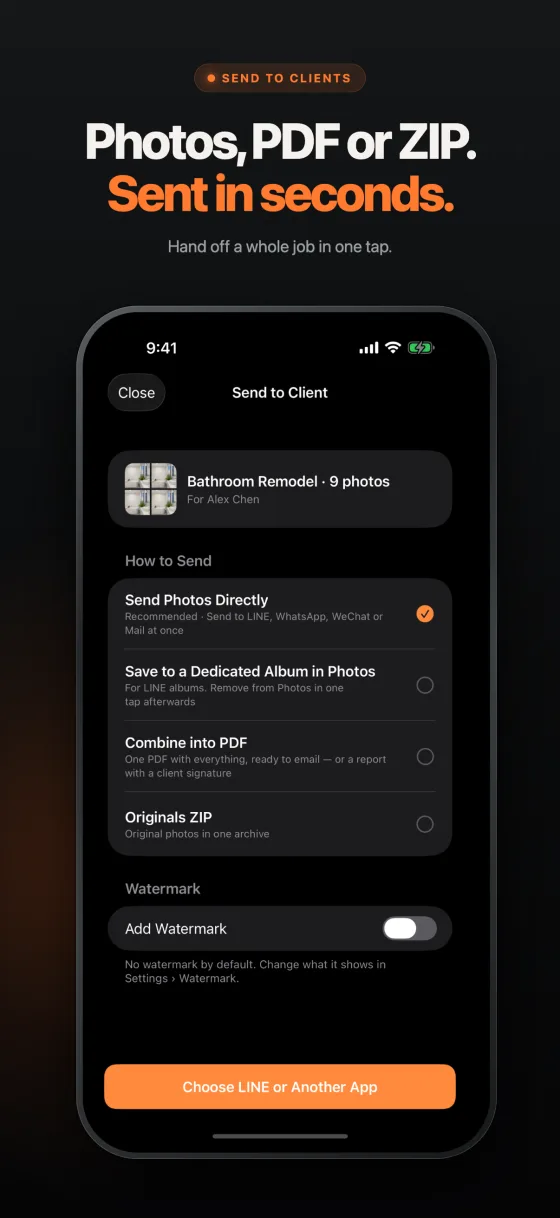
Shotfile keeps job site photos out of your personal camera roll. Photos, videos and scanned documents go into project albums with file names built from your own rule, so you can find the right shot and hand a job off to a client as photos, a PDF report or a ZIP.
Features
- Project albums, kept apart from your camera roll
- File naming rules: project, client, date and sequence
- Rename one photo or a whole selection
- Optional date, time, project and GPS stamps on exports
- Lock Screen camera control and Shortcuts
- PDF reports with optional signature, or a ZIP of originals
- Scan paperwork into multi-page PDFs
Frequently asked questions
Is Shotfile free?
Shotfile is free to download and your first 3 photos, videos or scans are free. Shotfile Pro unlocks unlimited media for US$1.99 a month or US$15.99 a year, each with a 7-day free trial for eligible new subscribers, or US$24.99 once for lifetime access. Local prices appear in the App Store before purchase.
Can Shotfile rename work photos automatically?
Yes. Build a naming rule from project, client, date and sequence number and Shotfile applies it to your captures. You can also rename a single photo or a selection later.
Do I need an account?
No. Shotfile works without an account, and work photos stay inside the app, separate from your personal camera roll, unless you choose to export them.
Can I add a date, time or GPS stamp?
Yes. Exported photos can carry optional date, time, project and location watermarks. Location requires permission, and your original is kept.